Now hit [hyp] μ (the first button on the submenu) to select the One Sample Hypothesis Test for μ procedure.
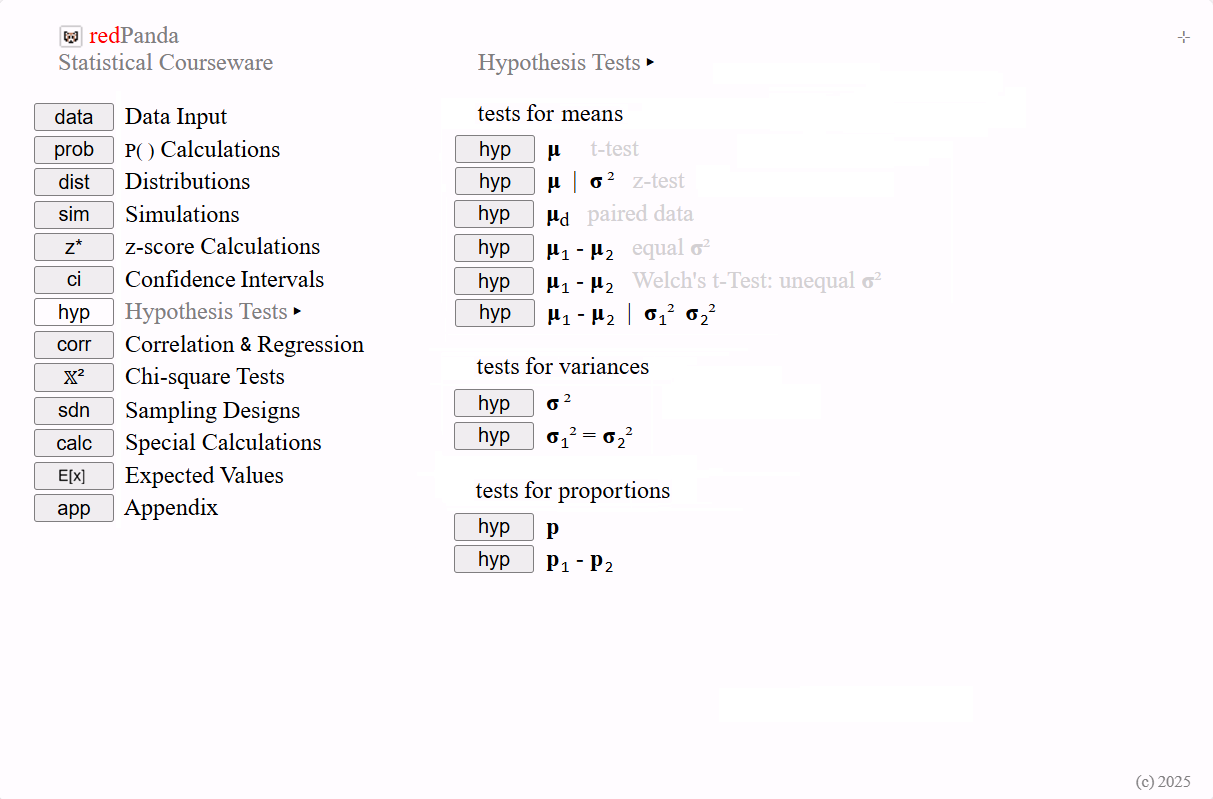
user-defined test.
In the upper-right corner of this page, a set of icons appears. These icons allow you to return to the main topic menu or open secondary pages that offer additional information about this procedure.
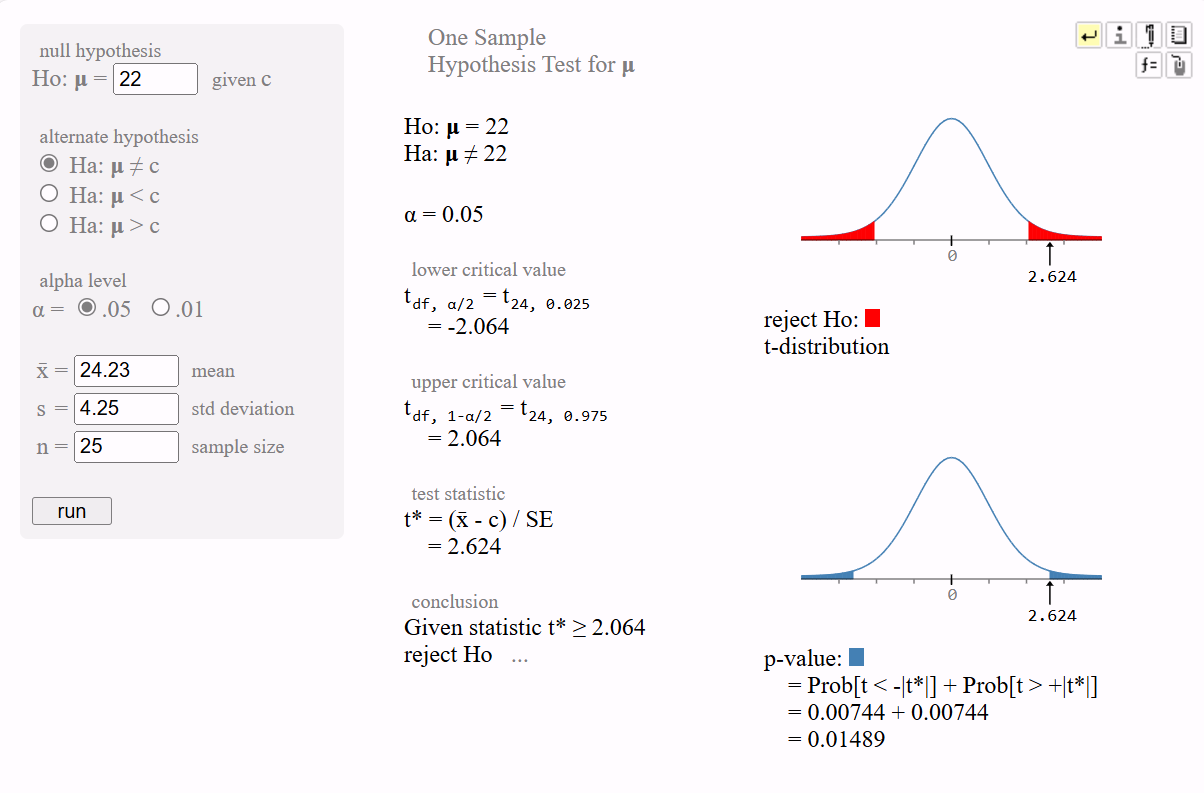
 - presents test schema, level of measurement,
and assumptions information.
- presents test schema, level of measurement,
and assumptions information. Secondary pages operate independently from the procedure's main page. They can be opened, viewed, closed, or left active for ongoing reference.
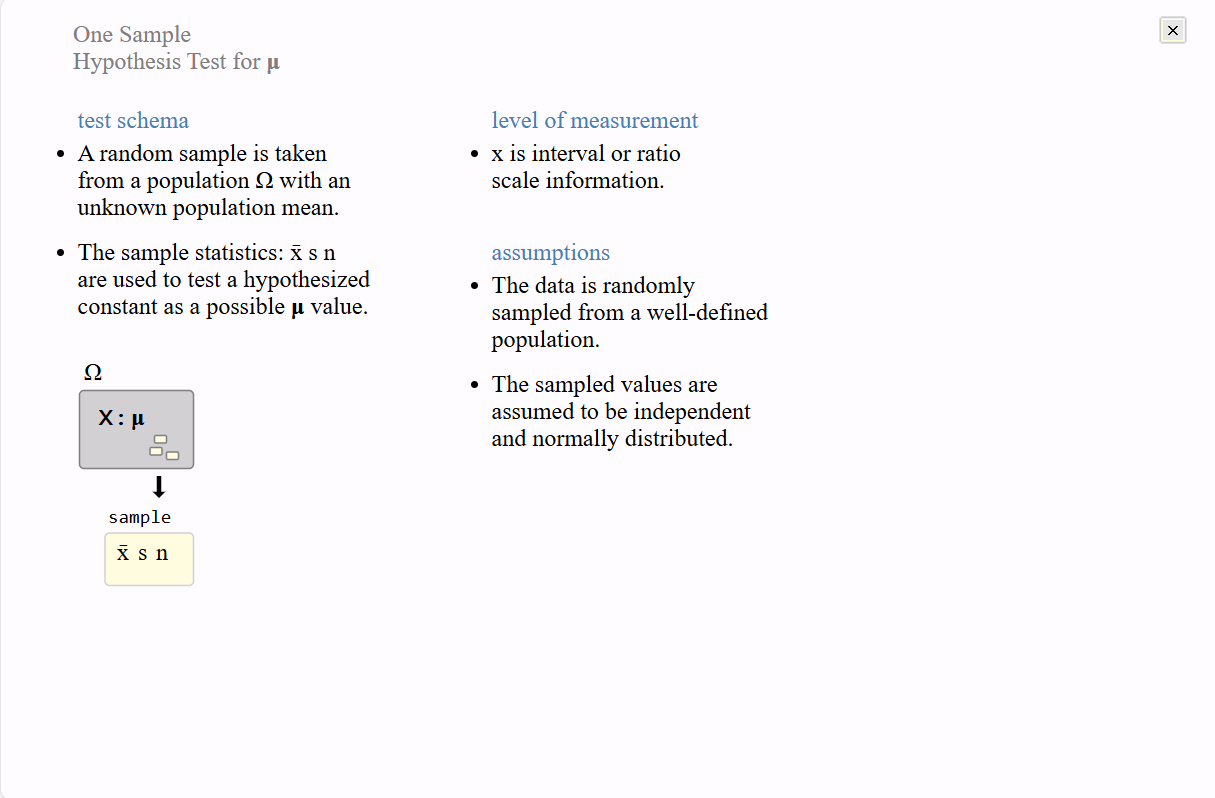
 - provides a notation legend
to help students read and
understand any displayed
output.
- provides a notation legend
to help students read and
understand any displayed
output. 
 - this icon displays any
reference(s) from the
default courseware textbook.
This may be different at any
given user site.
- this icon displays any
reference(s) from the
default courseware textbook.
This may be different at any
given user site.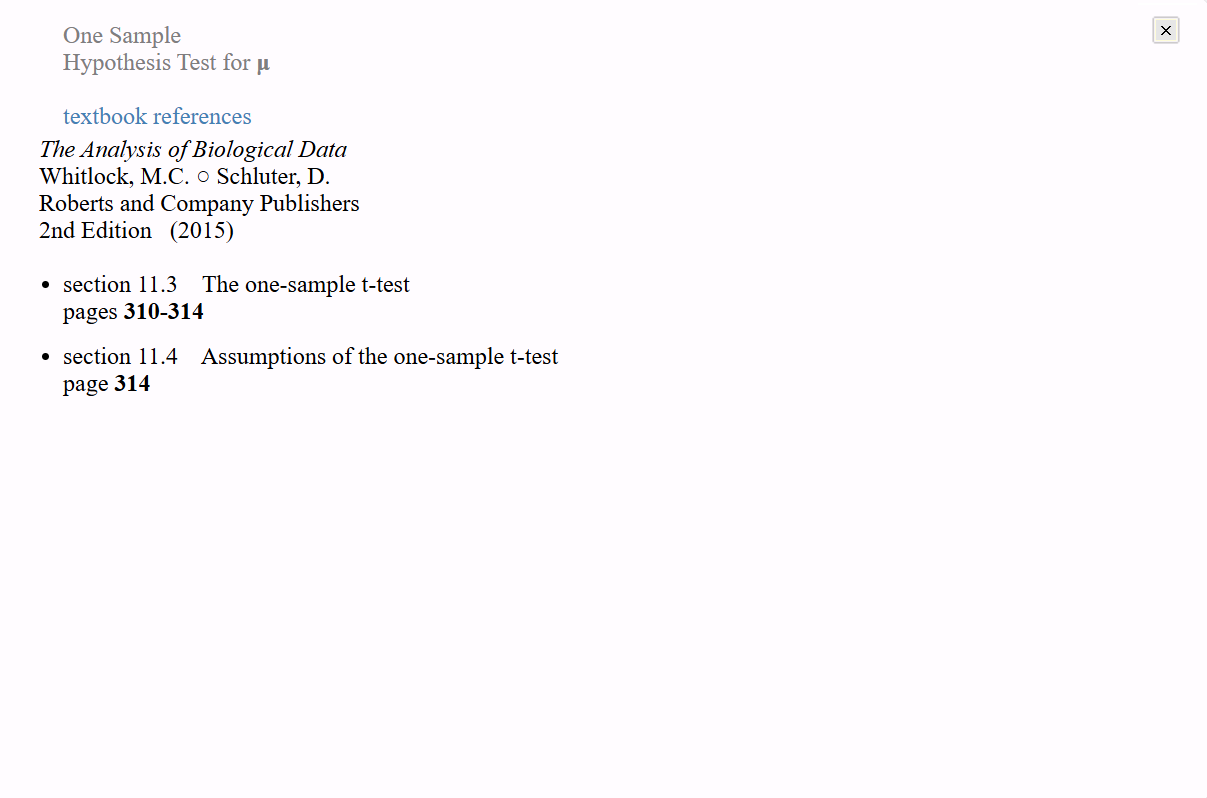
 - the calculation icon will
show the formulas and
intermediate calculations for
the results of the procedure
page.
- the calculation icon will
show the formulas and
intermediate calculations for
the results of the procedure
page.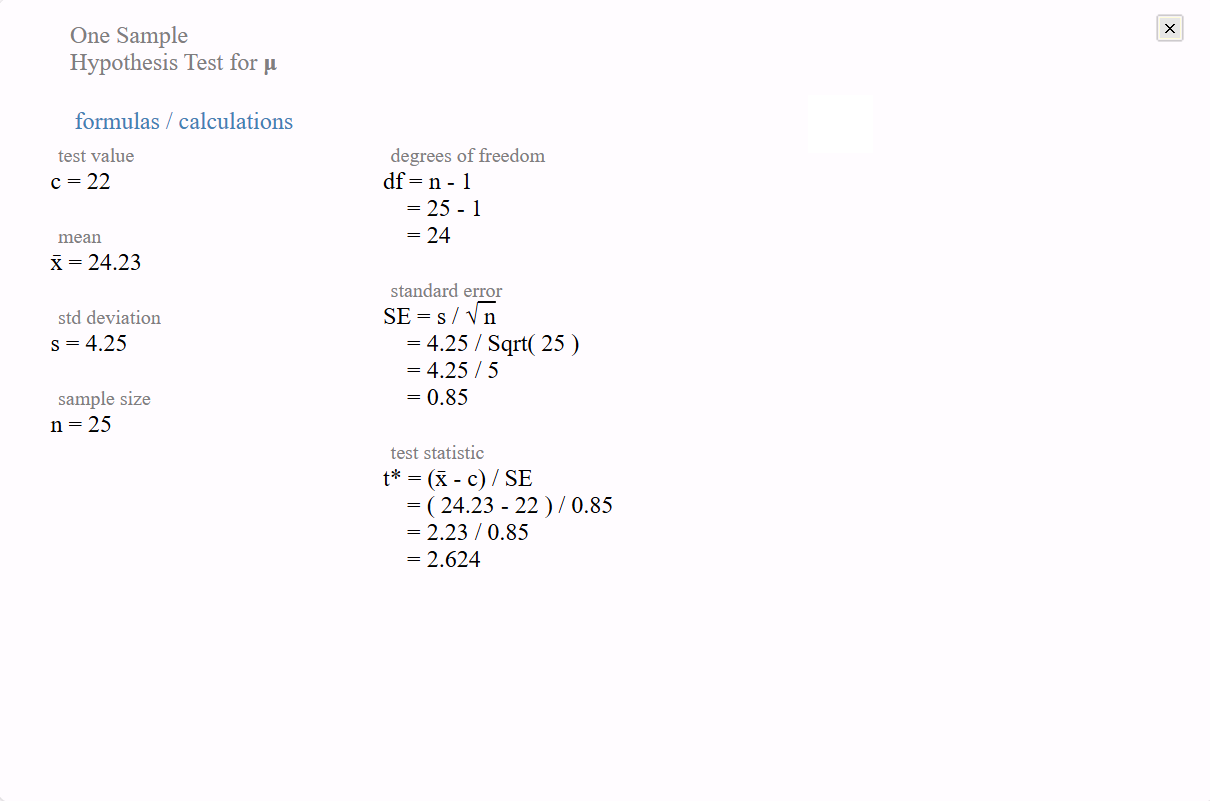
 - when a procedure has three or more
computational options
(TI-84 or r-code items), a
page with labelled choices
will be provided.
- when a procedure has three or more
computational options
(TI-84 or r-code items), a
page with labelled choices
will be provided. 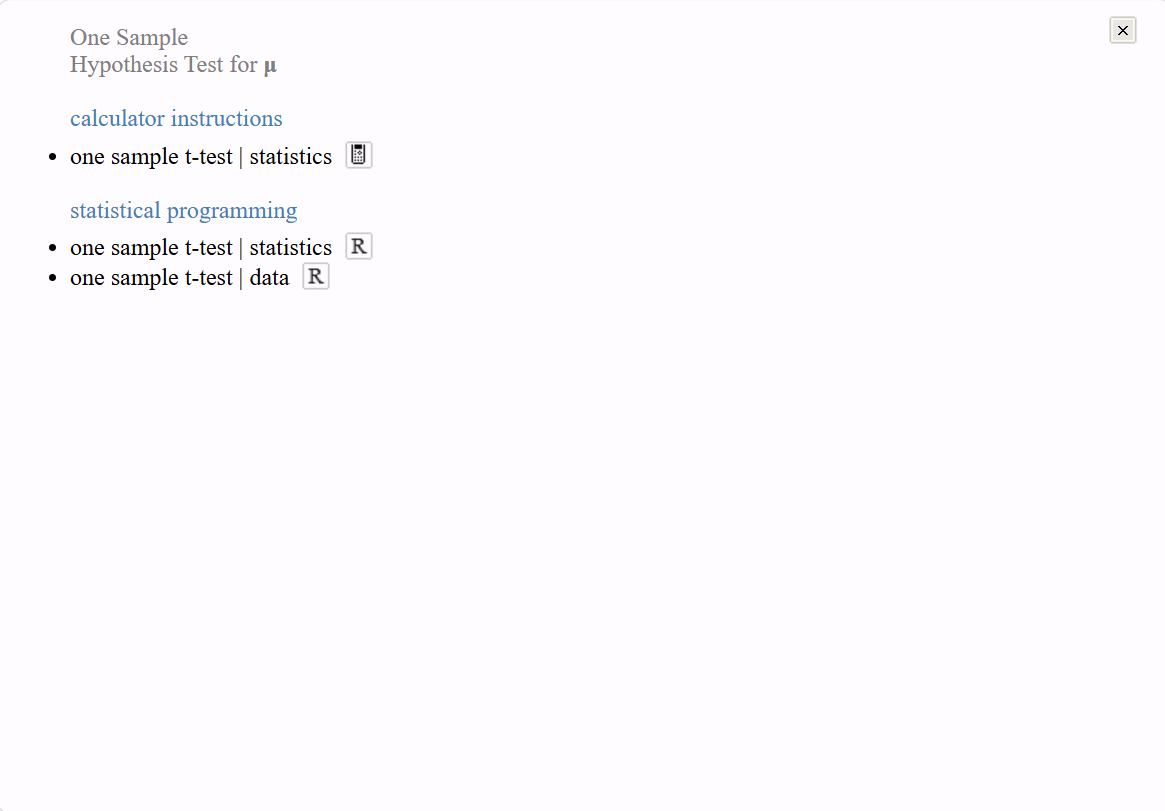
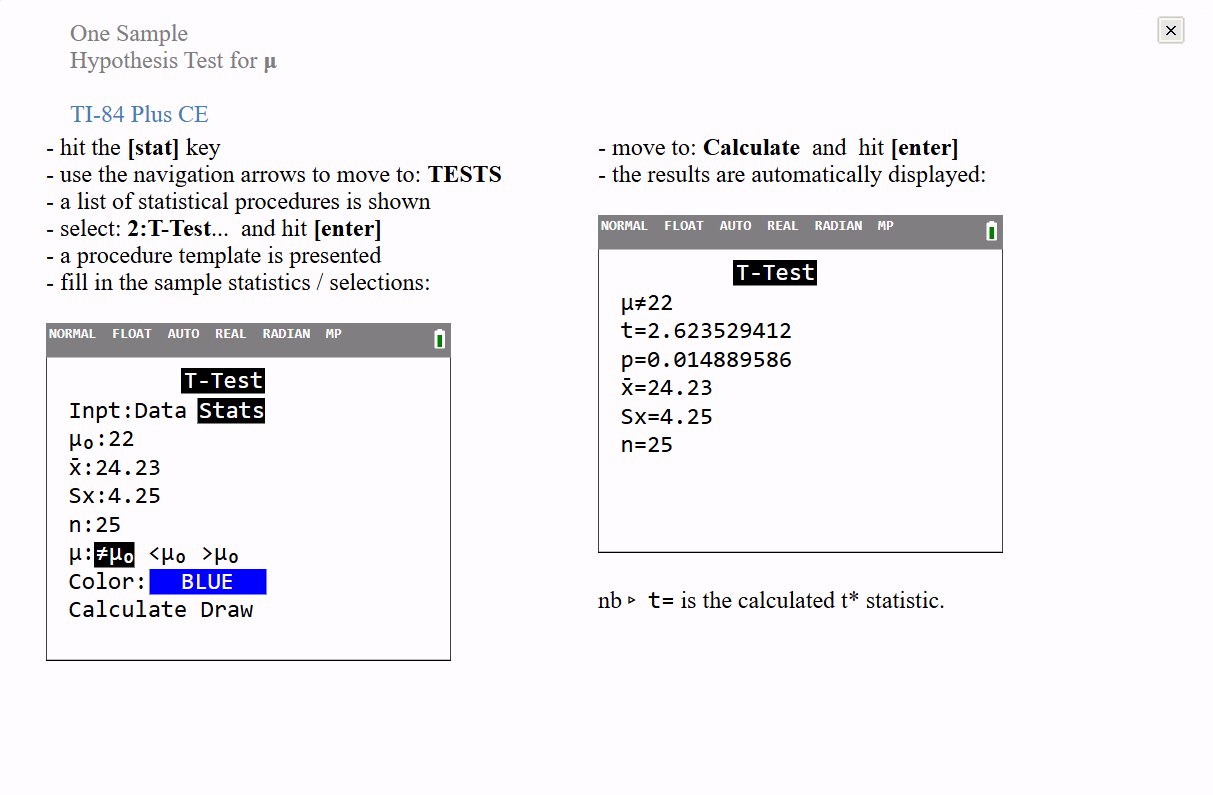
You can easily run an R session alongside the courseware and copy the example code directly into it.
 - closes the procedure page and
returns the student to the main
topic selection menu (home).
- closes the procedure page and
returns the student to the main
topic selection menu (home).